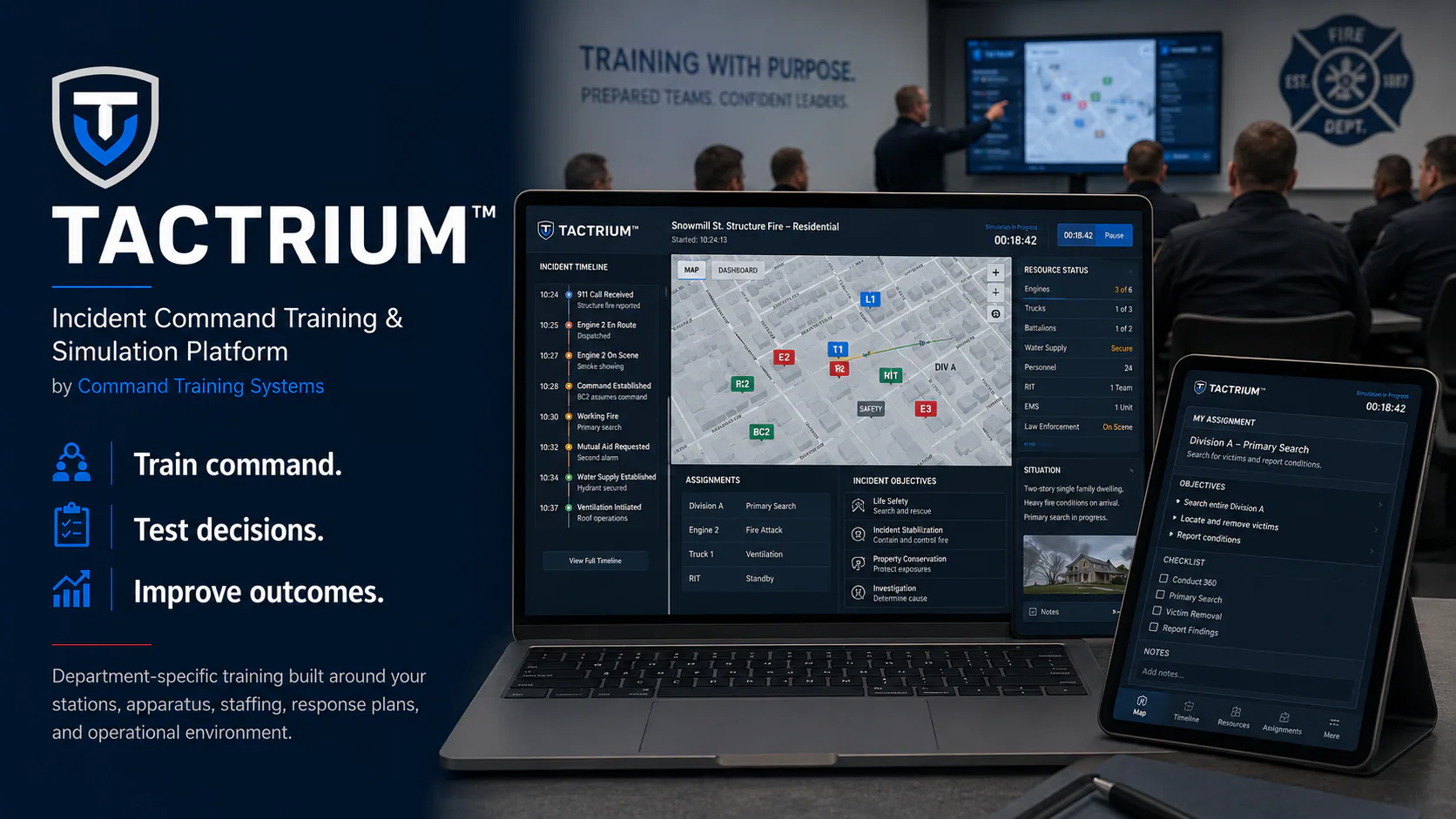
TACTRIUM™ Incident Command Training and Simulation Platformby Command Training Systems
TACTRIUM™ — Incident Command Training and Simulation Platform
Department-Specific Incident Command Training

Train command. Test decisions. Improve outcomes.

TACTRIUM™ is built for municipal fire departments and fire districts that want incident command training based on their own stations, apparatus, staffing, response plans, mutual aid, preplans, and local conditions.

Department Login
Illustrative TACTRIUM™ fire department command training environment
Illustrative training environment. Department configuration varies.
Product Overview

Product overview

TACTRIUM™ can be configured with department-specific stations, apparatus, staffing, response plans, mutual aid, preplans, and local conditions for instructor-led command training.

Department-specific configurationUse the stations, apparatus, staffing, response plans, mutual aid, preplans, and local conditions your personnel already know.
Instructor-led command trainingRun repeatable exercises with controlled timing, communications, resource assignments, participant roles, and changing incident conditions.
After-action reviewCapture exercise activity and key decisions to support debriefing, identify training needs, and plan follow-up training.
TACTRIUM™ Product Overview by Command Training Systems
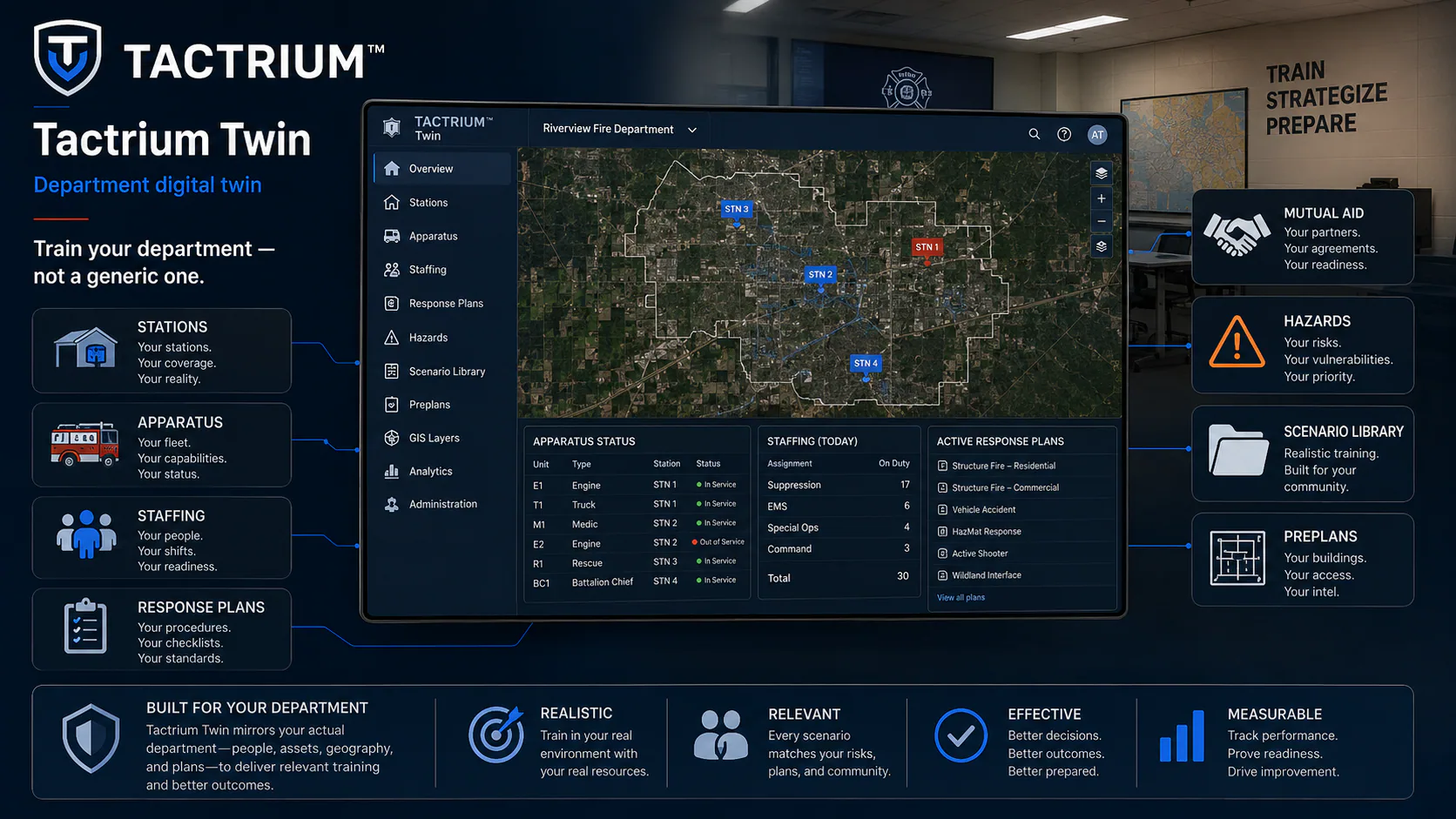
TACTRIUM™ Twin

Built around your department

TACTRIUM™ Twin models the department resources and response information used in training. Instructors can build scenarios around the environment personnel already know.

Stations and apparatusModel the stations, apparatus, command units, and other resources your department deploys.
Staffing and response plansReflect staffing assumptions, run cards, automatic aid, and mutual aid.
Preplans and local informationUse familiar properties, hazards, geography, and preplan information where those features are configured.
Illustrative TACTRIUM™ Twin department digital twin
Illustrative TACTRIUM™ Twin concept.
Training Workflow

How a TACTRIUM™ exercise works

Instructors configure the department environment, build the scenario, run the exercise, and review the results.

1

Configure

TACTRIUM™ Twin defines the department resources and response information used in training.

2

Build

TACTRIUM™ Scenario supports reusable scenarios, objectives, conditions, and exercise planning.

3

Run

TACTRIUM™ Instructor and Participant support instructor control, assigned roles, communications, resources, and injects.

4

Review

TACTRIUM™ AAR brings evaluator observations and exercise history into the after-action review.
Platform Capabilities

Platform components

TACTRIUM™ TwinDepartment resources and response information.
TACTRIUM™ ScenarioScenario authoring and reusable exercise library.
TACTRIUM™ InstructorInstructor and controller workspace for timing, injects, resources, and exercise progression.
TACTRIUM™ ParticipantRole-based participant workspace for assigned exercise positions.
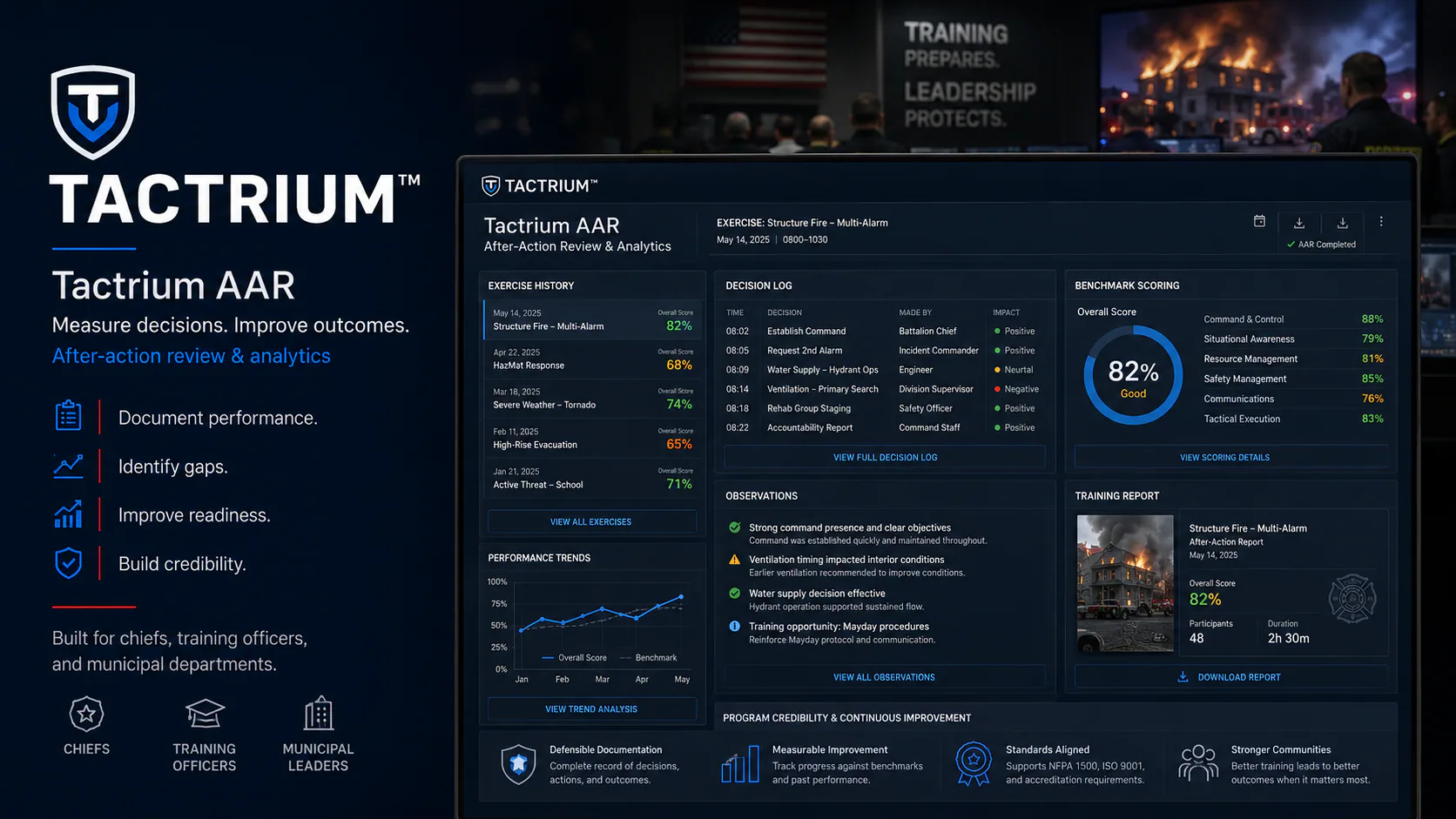
TACTRIUM™ AARAfter-action review, evaluator observations, and exercise history.
TACTRIUM™ PreplanGIS, property, and preplan information where configured and supported.
Illustrative TACTRIUM™ AAR after-action review dashboard
Illustrative TACTRIUM™ AAR concept.
After-Action Review

After-action review

TACTRIUM™ gives instructors an exercise record they can use to review decisions, identify gaps, reinforce effective actions, and plan follow-up training.

The exercise record supports a consistent debrief and documents the information needed for follow-up training.

Licensing and procurement

Command Training Systems provides TACTRIUM™ licensing, implementation, security, procurement, and information for municipal review.

Licensing and Procurement